Any text, out loud
Play Text reads articles, documents, and anything you paste—with natural voices that run entirely on your device and highlight every word as it's spoken. No account. No subscription. It just plays.
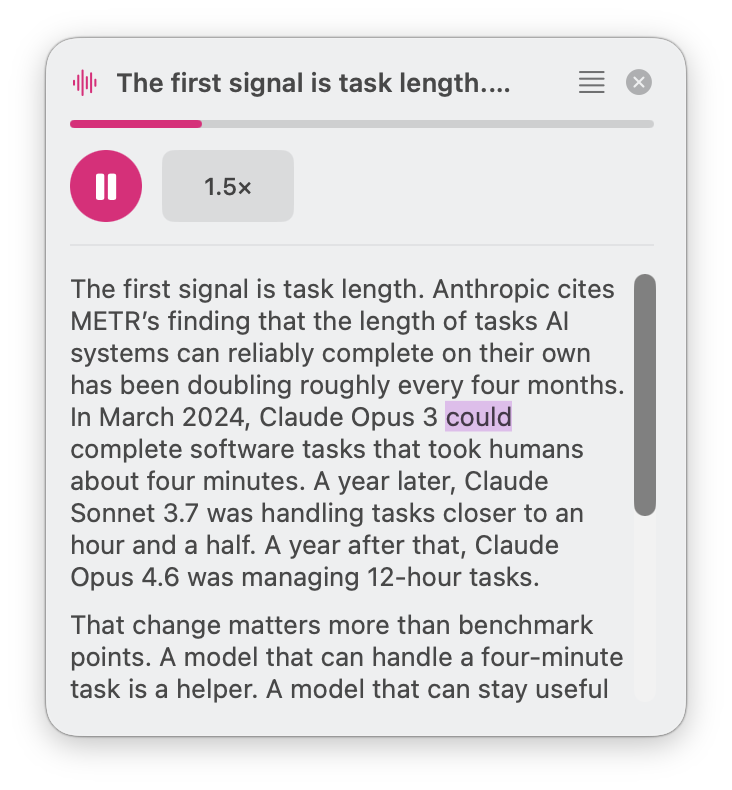
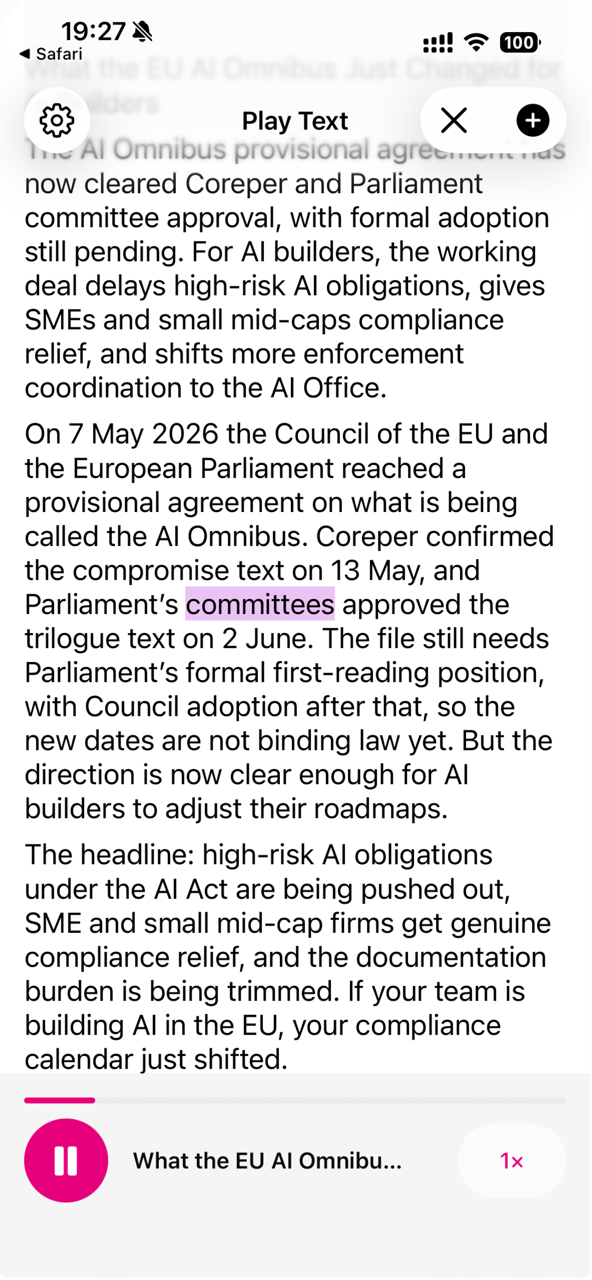
The words light up as the voice reads them, so you never lose your place.
On your iPhone
Everything becomes listenable
Articles, documents, newsletters, anything on your clipboard—Play Text turns it into clean audio in a tap.
Paste it. Link it. Open it.
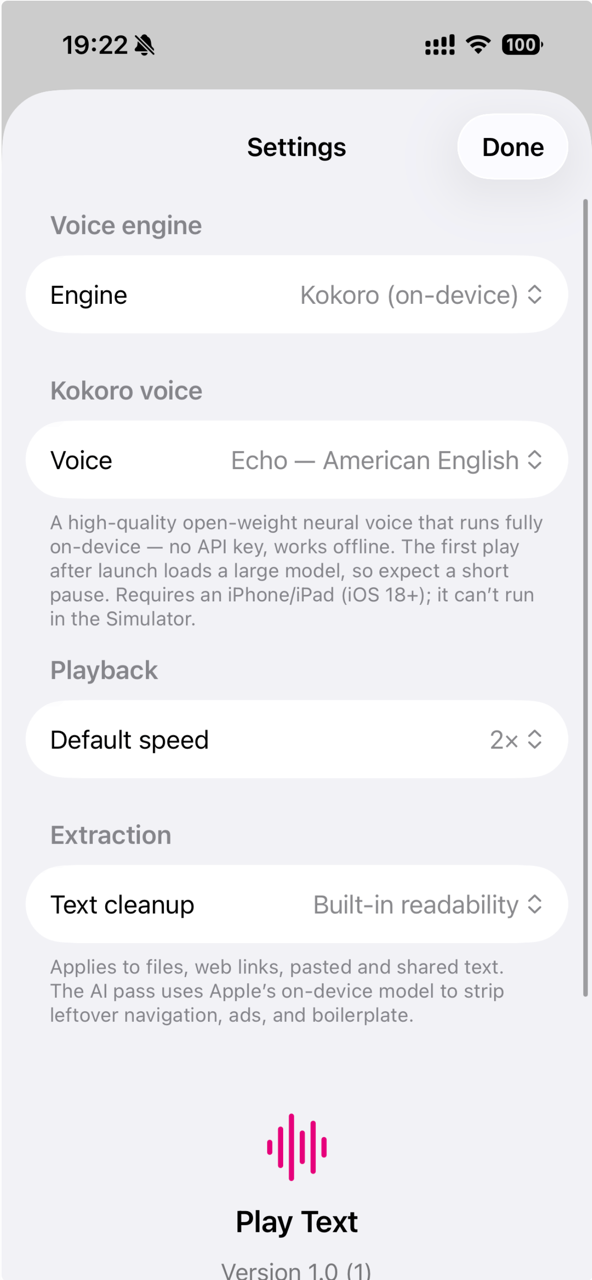
Three big buttons, zero friction. Grab whatever you want to hear and Play Text takes it from there.
- Paste & Play any text from your clipboard
- Play web links—the article is extracted and read clean
- Open PDF, DOC, DOCX, TXT, Markdown, RTF and HTML files
- AI text cleanup strips ads, menus, and boilerplate
Your voice, your pace
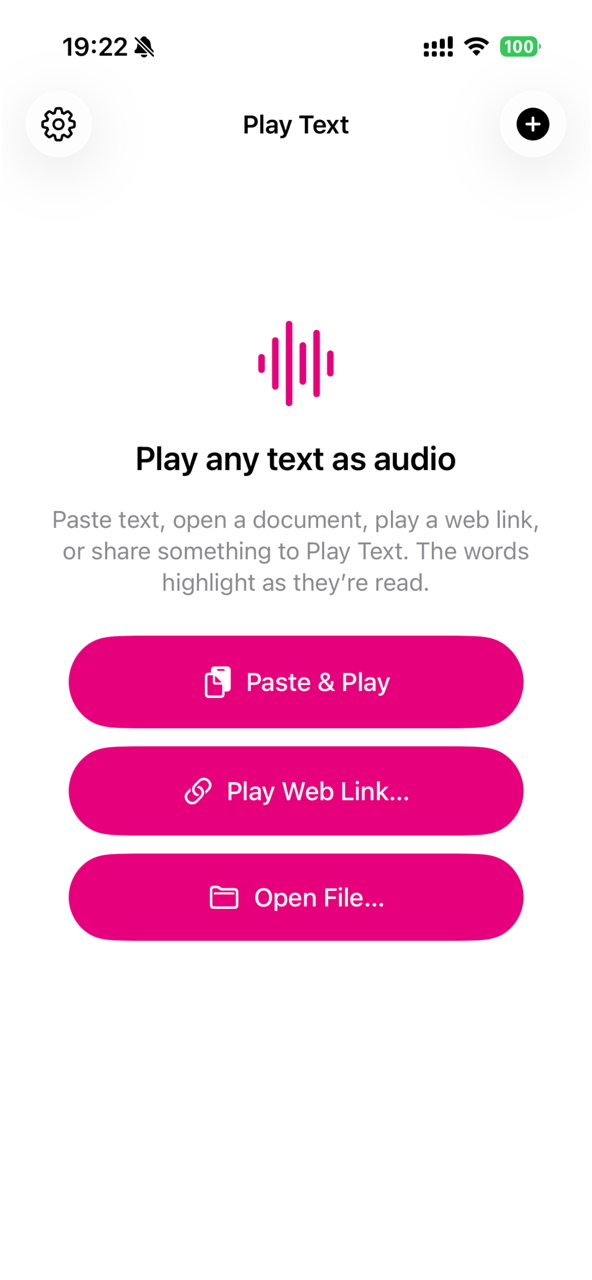
Choose a voice, set your speed, and let on-device AI clean the text before it's read.
- Natural Kokoro neural voice runs fully on-device
- Playback speed from 0.75× up to 2×
- Every word highlights in sync with the voice
- Works offline—no API keys, no account, no cloud
Send it from any app
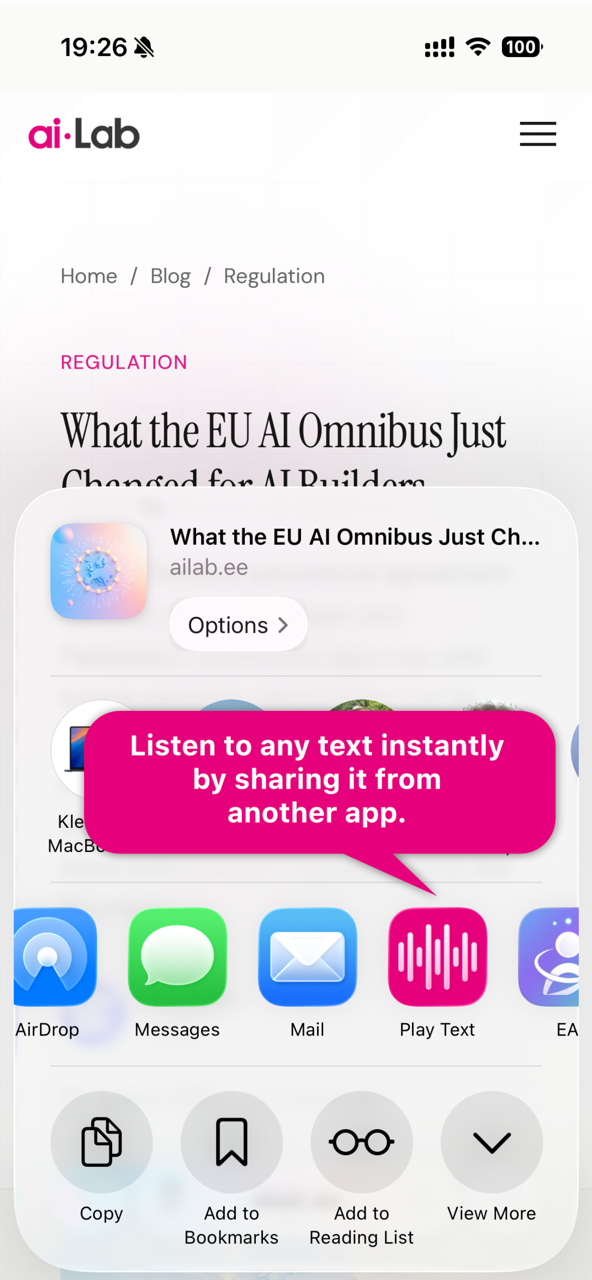
Play Text lives in your share sheet. Reading something in Safari, Mail, or Notes? Share it and keep listening.
- Share text, links, or files straight from the share sheet
- Safari pages start playing in one tap
- Settings sync across your devices with iCloud
- Free forever—no subscription, no paywall
Play Text for Mac
Your Mac can read too
A lightweight menu-bar app with an always-on-top mini player—plus a Safari extension that reads any page, or just the part you point at.
- Floating mini player stays on top, across all Spaces
- Safari extension with in-page word highlighting
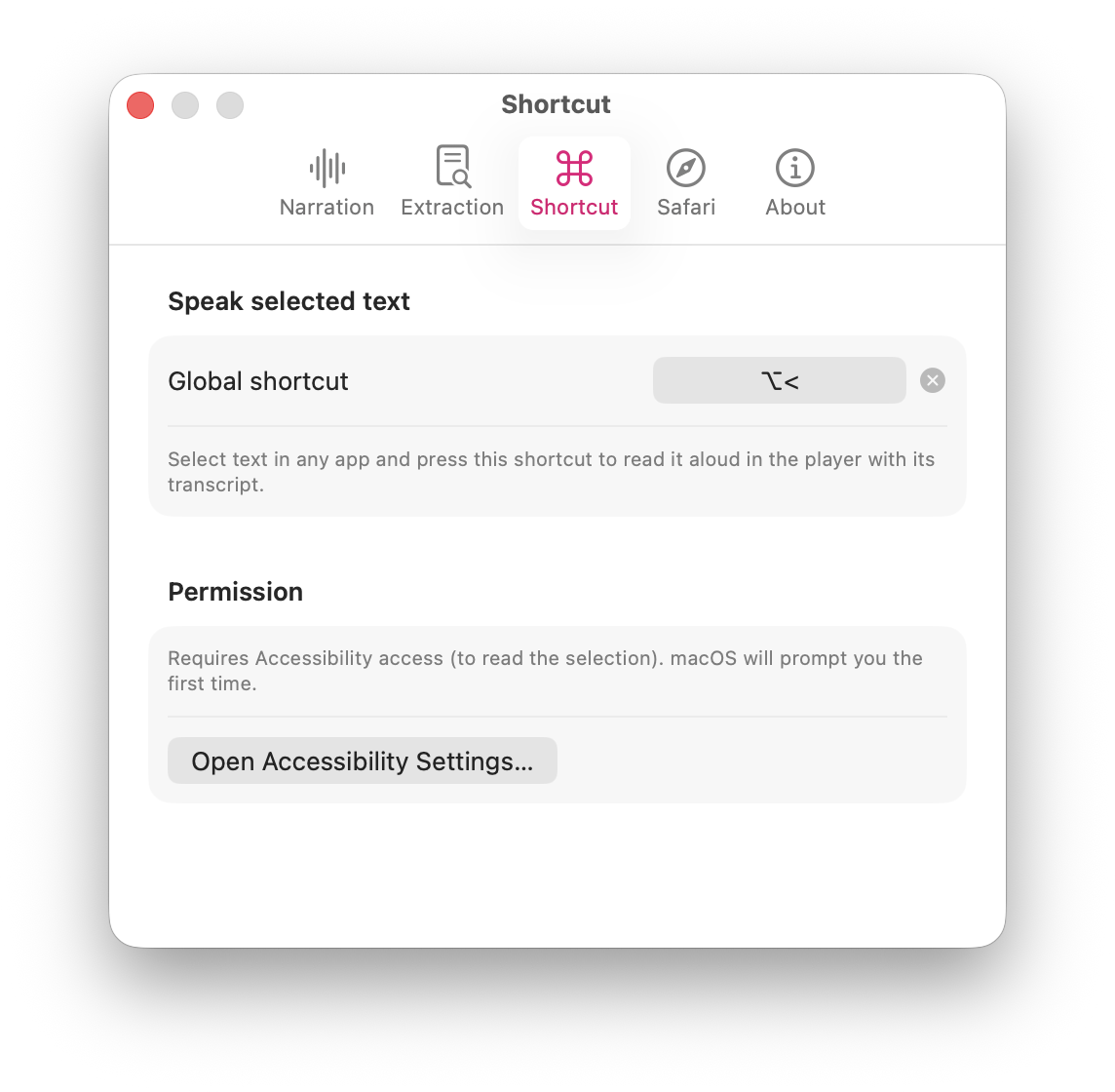
- Global shortcut speaks any selected text, in any app
- Share menu, clipboard, web links, and documents—system-wide
The whole article—or just a slice
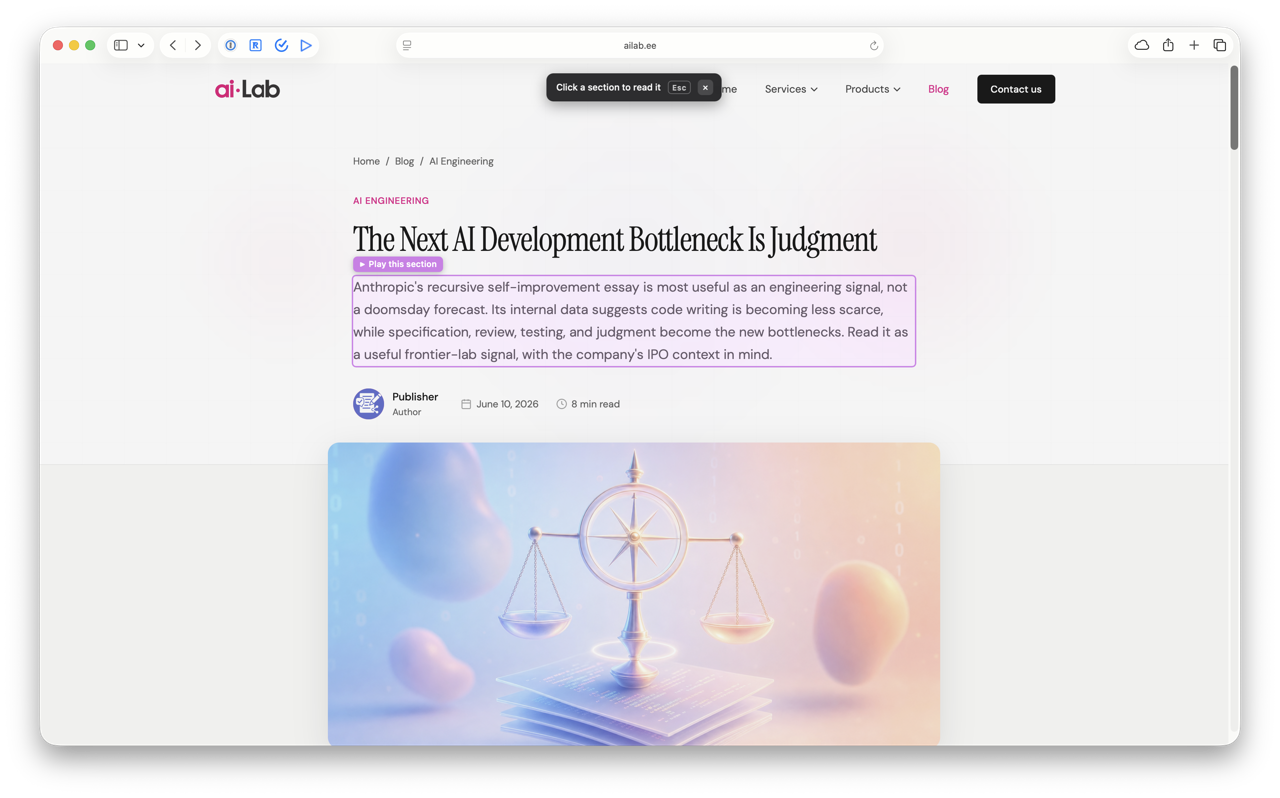
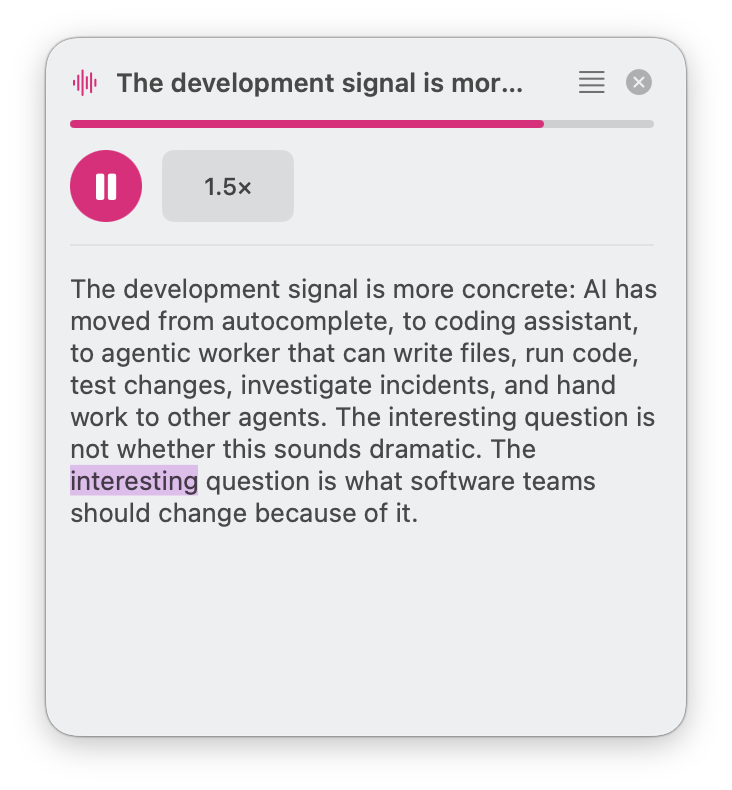
The toolbar button gives you two ways to listen: read the article, or pick a section and play only the part you care about.
- Read the article: auto-detects the page's main content
- Pick a section: hover to outline any part, click to play just that
- A pink pill follows the spoken word right on the page
- Esc or ✕ hands the page back instantly
Select text. Hit the shortcut.
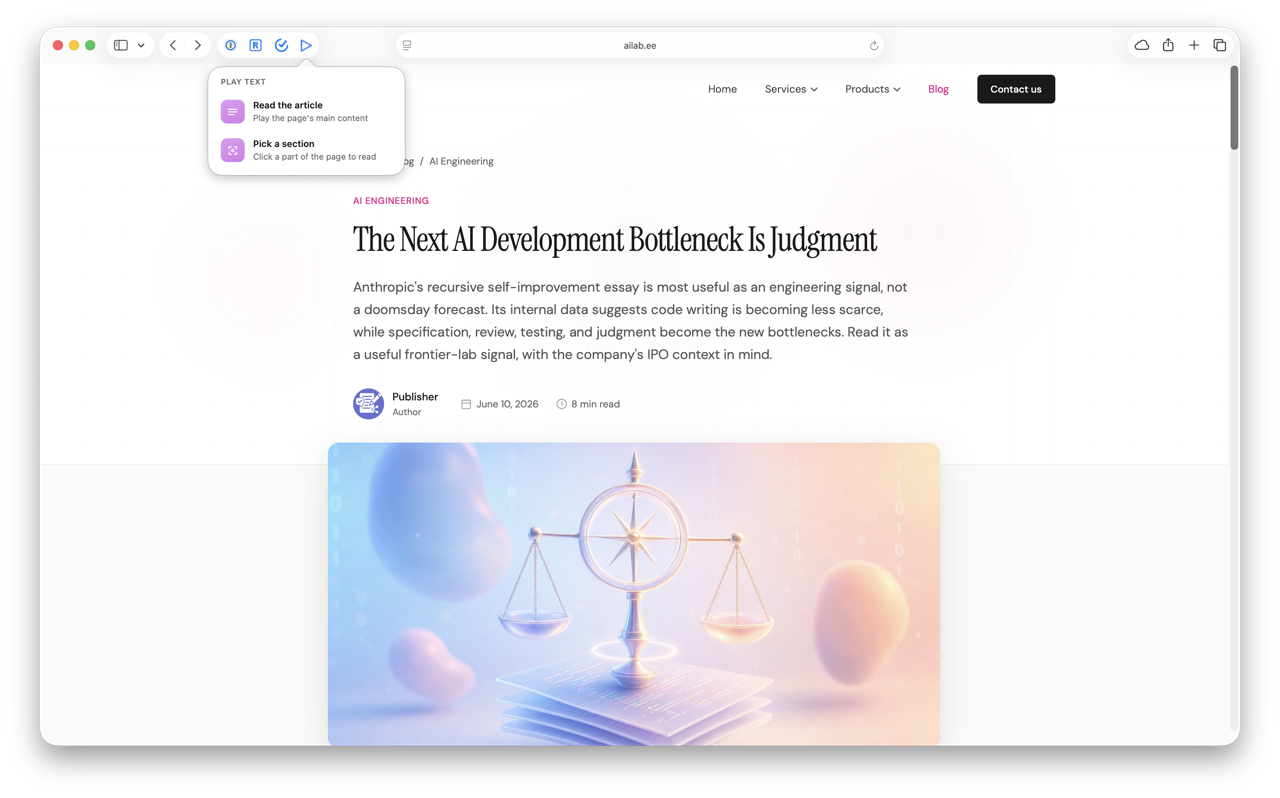
Reading something in Mail, Slack, or a PDF? Select it and press your global shortcut—Play Text starts speaking instantly, transcript and all.
- One keyboard shortcut speaks any selected text, in any app
- The floating player opens with the full transcript
- Works system-wide—docs, chats, code, anything selectable
- Pick your own key combo in Settings
Why you'll love it
Free, private, and yours
No tricks, no trials, no telemetry. Play Text is a small app that does one thing really well.
100% Free
No subscription, no ads, no in-app purchases. Download it and start listening.
Private by Design
Voices are generated on your device. Your text never leaves it.
Works Offline
On a plane, in the woods, on the subway—everything keeps playing.
Natural Neural Voice
Kokoro, a high-quality open-weight voice, runs fully on-device. No API key needed.
AI Text Cleanup
On-device intelligence strips leftover navigation, ads, and boilerplate before reading.
iCloud Sync
Your voice and speed settings follow you between iPhone and Mac automatically.
Press play on anything
Grab Play Text for iPhone and Mac. It's free, it's tiny, and it turns your reading list into a listening list.
iOS 18+ on iPhone · Apple silicon Mac
Privacy Policy